Ergonomic equipment is often associated with premium pricing, however meaningful improvements to wrist positioning do not require a large investment. Many budget ergonomic mice provide vertical positioning and improved hand support that can reduce strain during daily computer use.
Lower cost ergonomic mice typically focus on the core benefit: maintaining a more neutral wrist posture compared to traditional flat designs. While premium models may include additional software features, the primary physical benefits can still be achieved at accessible price points.
This guide highlights reliable budget ergonomic mice that provide strong everyday comfort without unnecessary cost.
Quick Comparison Table
| Mouse | Type | Connectivity | Price Range |
|---|---|---|---|
| Anker Wireless Vertical | Vertical | Wireless | £25–£35 |
| Trust Verto Vertical | Vertical | Wired | £15–£25 |
| Lenova Go Wireless Vertical Mouse | Vertical | Wireless | £40–£50 |
| Amazon Basics Ergonomic | Contoured | Wireless | £10–£20 |
| Perixx PERIMICE-713 | Vertical | Wireless | £15–£25 |
1. Anker Wireless Vertical Mouse
The Anker Wireless Vertical mouse is one of the most recognised entry level ergonomic devices. Its handshake positioning helps reduce forearm pronation while maintaining simple plug and play functionality.
Its lightweight structure allows easy adjustment for users transitioning from traditional mice.
Suitable for:
• entry level ergonomic upgrades
• home office setups
• everyday browsing


2. Trust Verto Vertical Mouse
The Trust Verto offers a clean ergonomic design with reliable performance for daily tasks. Its vertical orientation encourages a more neutral wrist posture while maintaining good control across typical office workloads.
Suitable for:
• administrative tasks
• budget friendly workstations
• simple ergonomic improvements


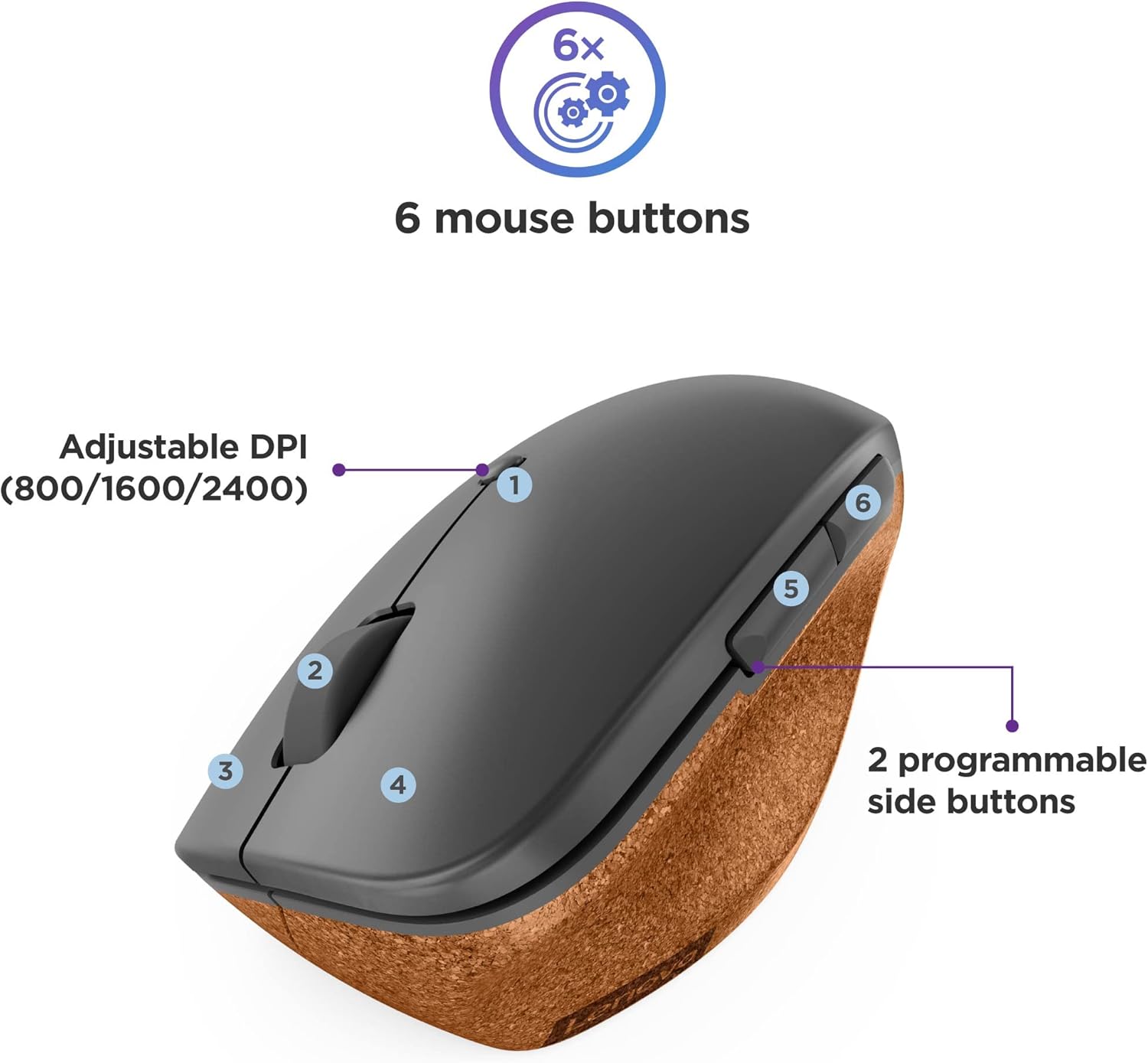
3. Lenovo Go Wireless Vertical Mouse
The Lenovo Go Wireless Vertical Mouse provides a clean, professional ergonomic design with a comfortable vertical angle that supports a more natural wrist position. Its build quality and balanced weight make it a strong option for users wanting improved comfort without moving into premium price ranges.
The shape allows for steady cursor control while maintaining a relaxed grip, making it suitable for extended use across everyday tasks.
Suitable for:
• budget friendly ergonomic upgrade
• office productivity
• users wanting a reliable vertical mouse


4. Amazon Basics Ergonomic Mouse
The Amazon Basic offers a contoured ergonomic shape giving improved hand positioning compared to standard flat mice. The wider body allows more relaxed finger spacing without increasing cost significantly.
Suitable for:
• users unsure about vertical designs
• general productivity
• entry level ergonomic comfort


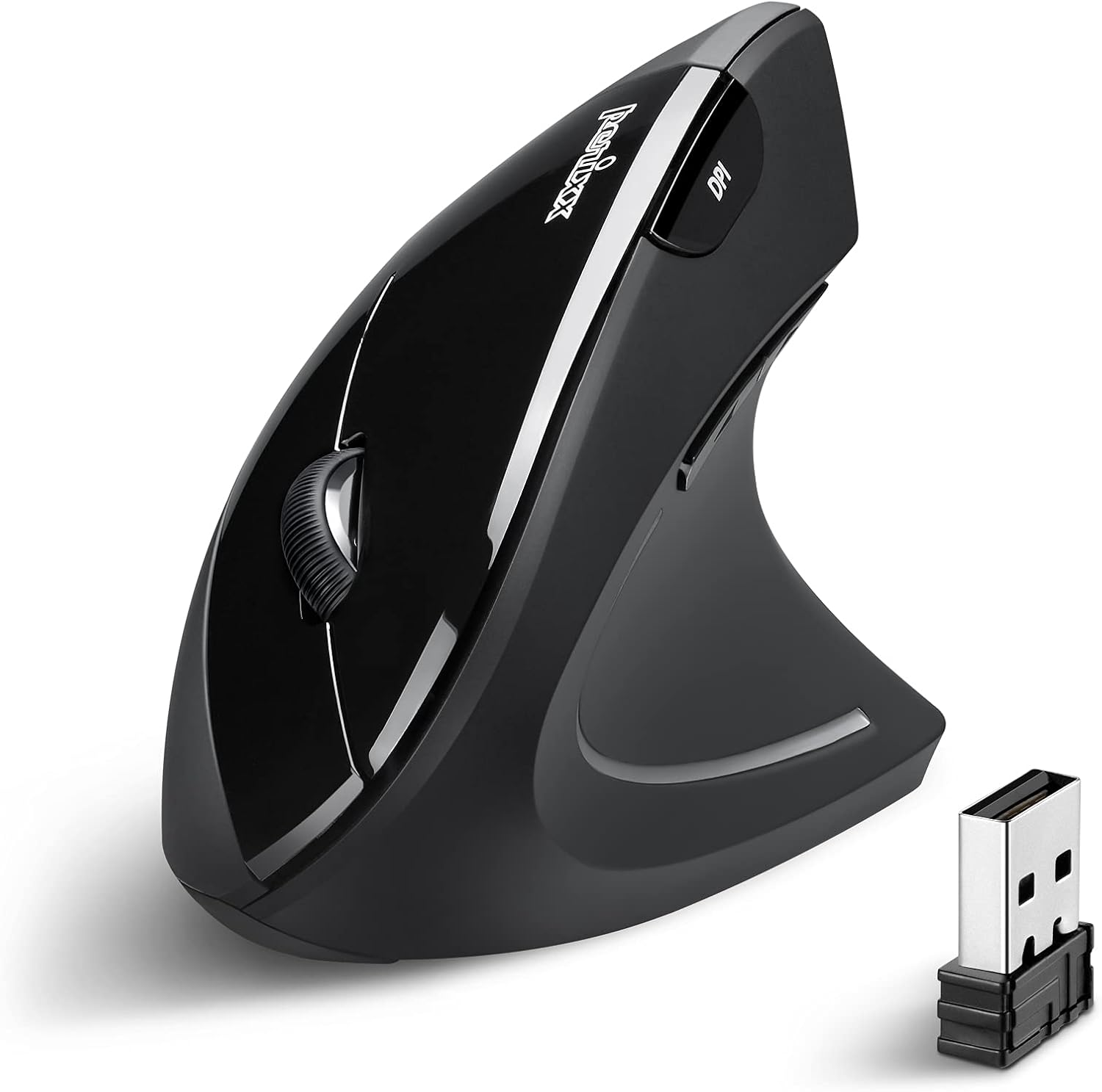
5. Perixx PERIMICE-713 Vertical Mouse
The PERIMICE-713 offers a compact vertical design that encourages natural wrist alignment. Its simple structure focuses on core ergonomic benefits without unnecessary features.
Suitable for:
• budget conscious buyers
• everyday computer use
• simple workstation setups


Buying Guide: Budget Without Compromise
The primary ergonomic benefit of a mouse comes from its shape rather than software features. Vertical positioning and proper palm support can improve comfort regardless of price category.
Key considerations:
neutral wrist positioning
comfortable button placement
stable cursor control
reliable build quality
Even entry level ergonomic mice can provide noticeable improvements compared to traditional flat designs.
Frequently Asked Questions
Do budget ergonomic mice actually help?
Yes. The physical shape of the mouse is the main factor influencing wrist positioning.
Are cheaper mice less durable?
Build materials may differ slightly, but most budget ergonomic mice are designed to last several years under normal use.
Is wireless necessary?
Wireless provides flexibility in desk positioning, however wired options often provide consistent reliability.